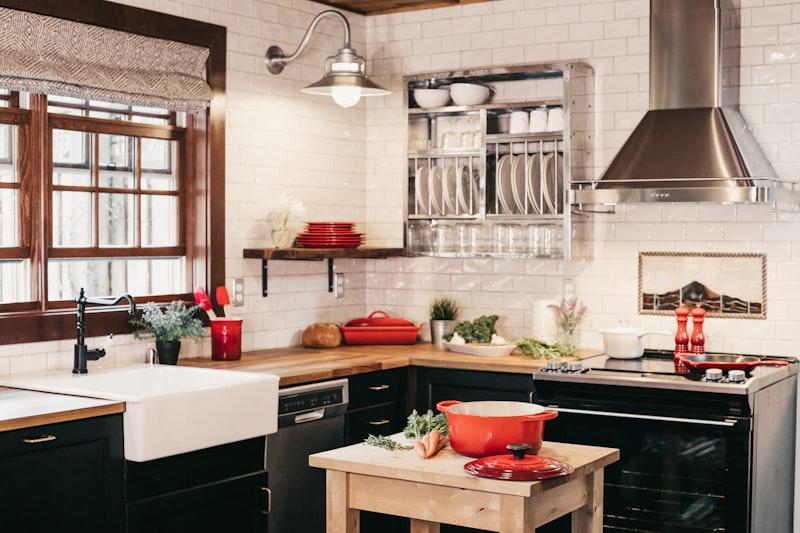
How to Use AI to Visualise Kitchen Cabinet and Countertop Styles
By The GenieDIY Team ·March 20, 2026 · 5 min read
The Short Answer
Choosing kitchen finishes from small samples is risky. AI visualisation tools allow you to upload a photo of your kitchen and see different style transformations rendered realistically — so you can compare Modern White, Industrial, Farmhouse, and more before buying a single cabinet door.
The Sample Trap
Holding a 10×10 cm tile sample against your kitchen wall and squinting to imagine the entire room covered in it is almost impossible. What looks elegant as a sample can feel overwhelming at scale — or worse, you spend $8,000 on marble worktops only to realise they clash with your oak floor.
Try Bold Styles Risk-Free
AI removes the fear of commitment. Want to see if a dark Industrial-style kitchen with open shelving suits your space? Upload your photo and apply the Industrial template. Prefer a bright Scandinavian look? Try that next. Both transformations take under 30 seconds.
14 Kitchen Style Templates
GenieDIY's Kitchen templates cover: Modern White (×3 variations), Industrial, Farmhouse (×2), Scandinavian (×2), Classic (×2), Luxury, Art Deco, and Minimalist. Every template is loadable as a design starting point.
Comparing Kitchen Styles Side by Side
After applying any AI transformation, the before/after comparison slider opens automatically. Drag the divider to switch between your original kitchen and the AI redesign. You can apply a different style and repeat the comparison as many times as you like.
Upload a photo of your kitchen and explore all 14 style templates today.
Visualise My Kitchen