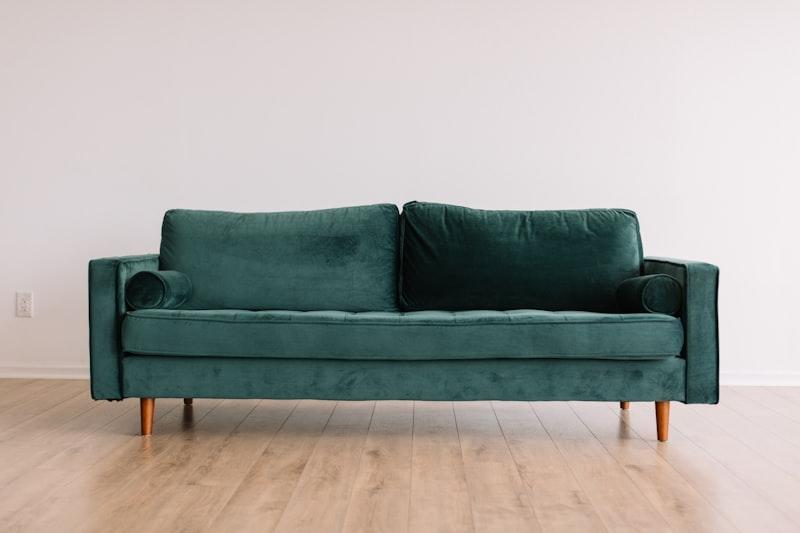
How to Add Furniture and Decor to Any Room Using AI
By The GenieDIY Team ·February 25, 2026 · 5 min read
The Short Answer
GenieDIY's Elements panel uses Gemini AI to embed furniture and decor items naturally into a photo of your room — correct lighting, correct perspective, correct shadow. Click any of 110 items across 13 categories and the AI places it realistically in your space in under 30 seconds.
The Problem with Shopping Online Without Visualising
Buying furniture online is risky. A sofa that looks perfect on a product page can feel completely wrong in your room — wrong scale, wrong colour undertone, wrong style. Returns are expensive and time-consuming. AI eliminates that risk entirely.
Try Before You Buy, Inside Your Actual Room
Unlike generic room visualisers that use a stock photo, GenieDIY works with your actual room photo. Upload a photo of your living room, pick a "Gray Sectional" from the Sofas category, and the AI renders it inside your space — your walls, your floor, your existing furniture.
The 13 Element Categories
The Elements panel contains 110 items across 13 categories, from large furniture to finishing touches:
Sofas & Seating
10 sofas, 12 chairs, 8 bar stools — from velvet armchairs to ghost chairs, modular sectionals to chesterfields.
Tables
10 coffee tables, 10 dining tables, 6 side tables — marble tops, live-edge slabs, tulip pedestals.
Bedroom
10 beds (platform, canopy, four-poster, boucle) and 8 dressers.
Lighting, Plants, Rugs & Decor
8 lighting fixtures, 8 plants, 6 rugs, 8 decor pieces, and 6 storage items.
How It Works — 3 Steps
Step 1: Upload Your Room Photo
Open or create a design, upload a photo of your room. This becomes the canvas the AI works with.
Step 2: Pick an Element
Go to the Elements panel, filter by category or search by name, and click any item.
Step 3: See the Before/After
The AI generates a new version of your room with the element embedded. The before/after slider opens automatically so you can compare instantly.
Try Your First Element Now
Upload a room photo and add your first piece of AI-embedded furniture in under a minute.
Create a free design and explore 110 furniture and decor options.
Try the Elements Panel