5 Room Makeovers You Can Plan with AI This Weekend
By The GenieDIY Team ·March 5, 2026 · 5 min read
The Short Answer
The best way to build design confidence is through small wins. AI lets you see the outcome of any change before committing — so you can boldly tackle a living room style swap, a bedroom refresh, or a bathroom update without the usual anxiety.
Start Small, Build Confidence
Instead of attempting a whole-house overhaul for your first project, let AI guide you through something achievable this weekend:
1. Living Room Style Swap
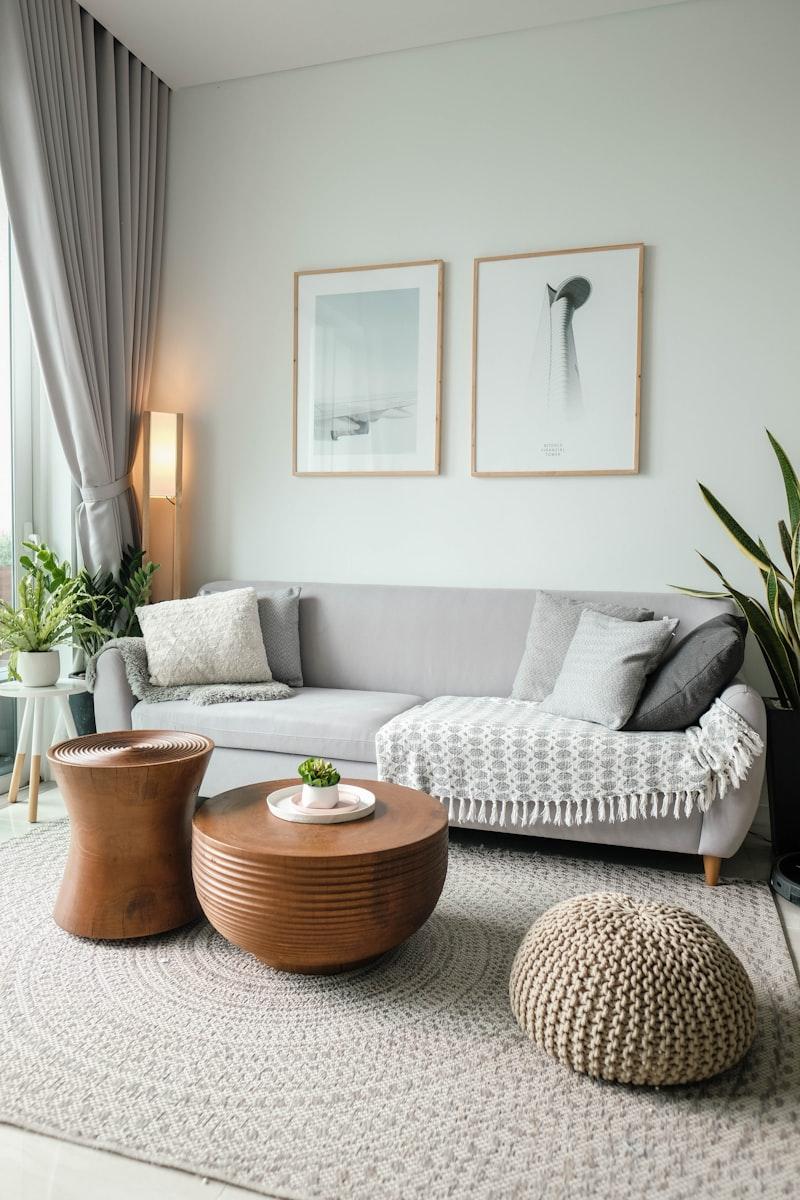
Upload your living room photo. Apply Modern, Classic, or Luxury style and compare the before/after. Then use the Elements panel to add a new sofa, rug, or pendant light — all visualised in your actual room before you buy anything.
2. Bedroom Refresh
Browse the 18 Bedroom templates (Modern, Luxury, Scandinavian, Coastal, Bohemian, Farmhouse) and load one as inspiration. Then apply a matching style to your own bedroom photo to see the transformation.
3. Kitchen Mood Board
Try one of 14 Kitchen templates ranging from Modern White to Industrial, Farmhouse, and Art Deco. Apply the style to your own kitchen photo to visualise a cabinet or countertop change before renovating.
4. Home Office Redesign
The Office template category includes Modern, Scandinavian, Industrial, and Minimalist workspaces. Upload your office photo, apply a style, and add a bookshelf or floor lamp from the Elements panel.
5. Outdoor Transformation
Load one of 8 Outdoor templates (Zen, Modern, Tropical, Farmhouse) and apply it to a photo of your garden, patio, or balcony for an instant landscape vision.
Stop Pinning, Start Planning
Turn that Pinterest folder into an AI-generated vision of your actual room.
Upload any room photo and apply your first AI style in under a minute.
Start Your Project